
Estimated Time 2-5 minutes
Create a Equipment Rental
Create an equipment rental or machine you charge for, that you can keep logs on and easily add to quotes, jobs/tickets, and invoices.
Needed Items Your equipment
Optional Items Equipment notes such as service records you would like to enter.
Create a machinery piece to add to invoices.
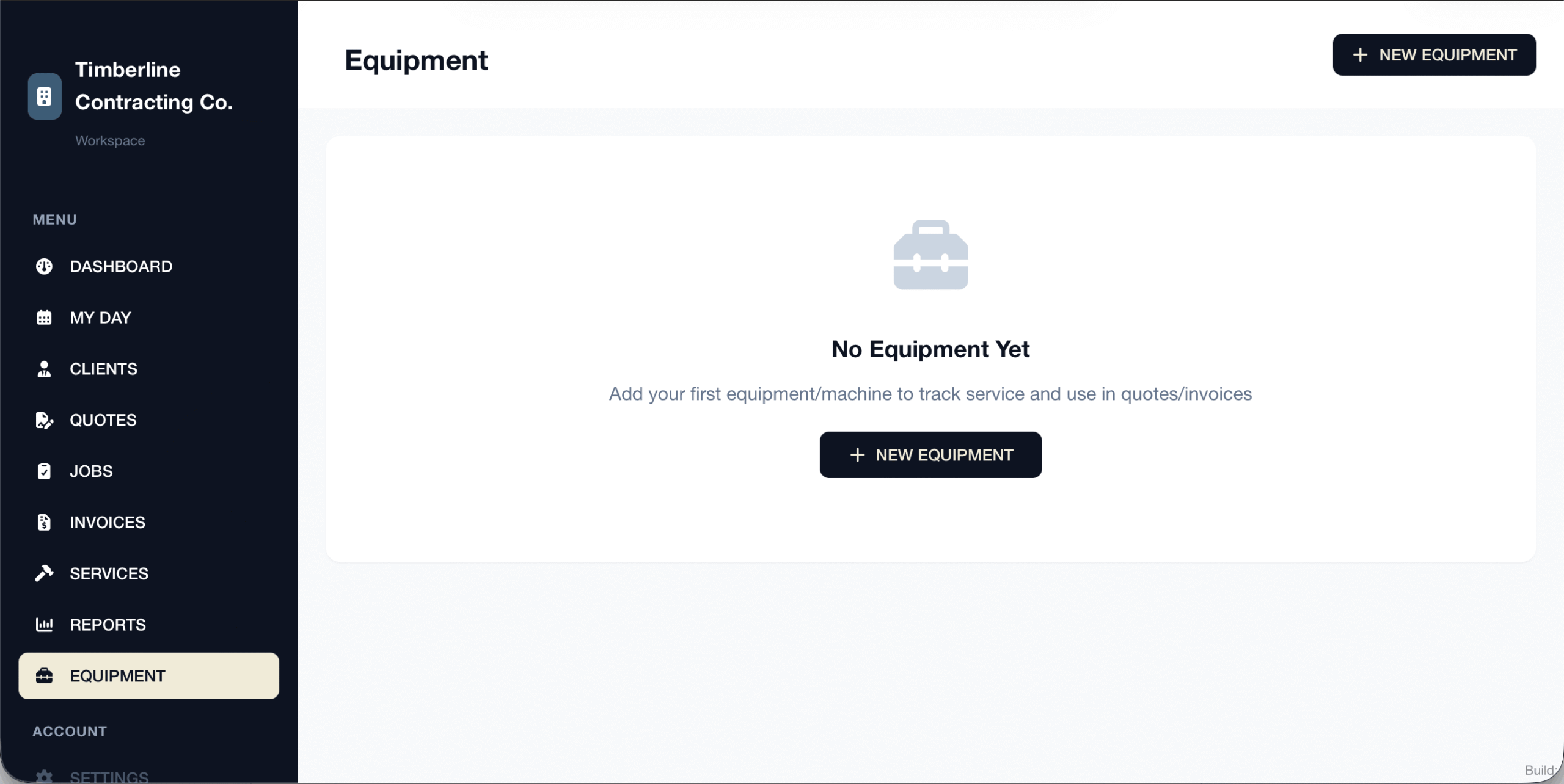
1 - Select Equipment
Select equipment from the menu.
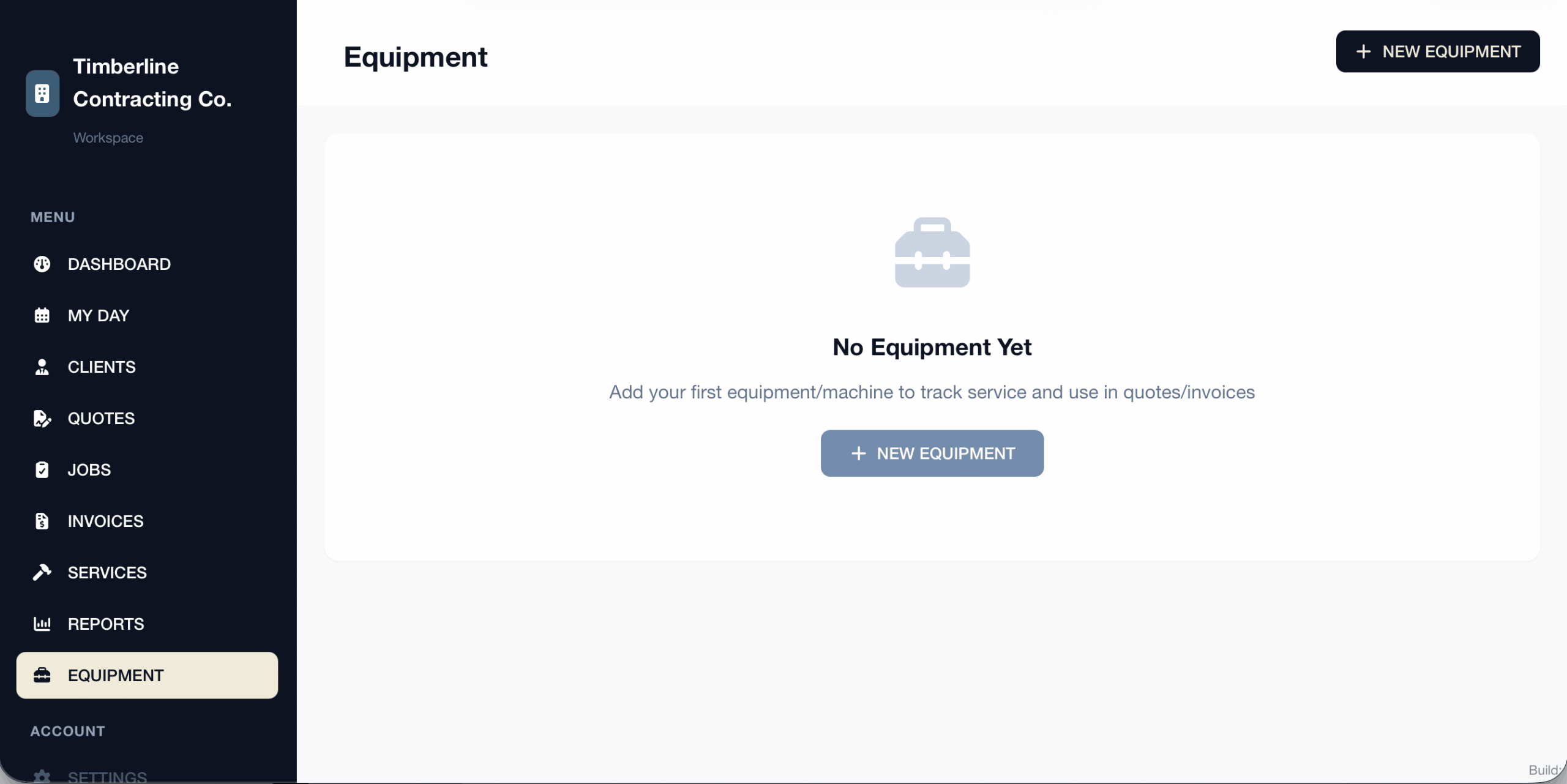
2 - Select New Machine
Click on “Add New Equipment”.
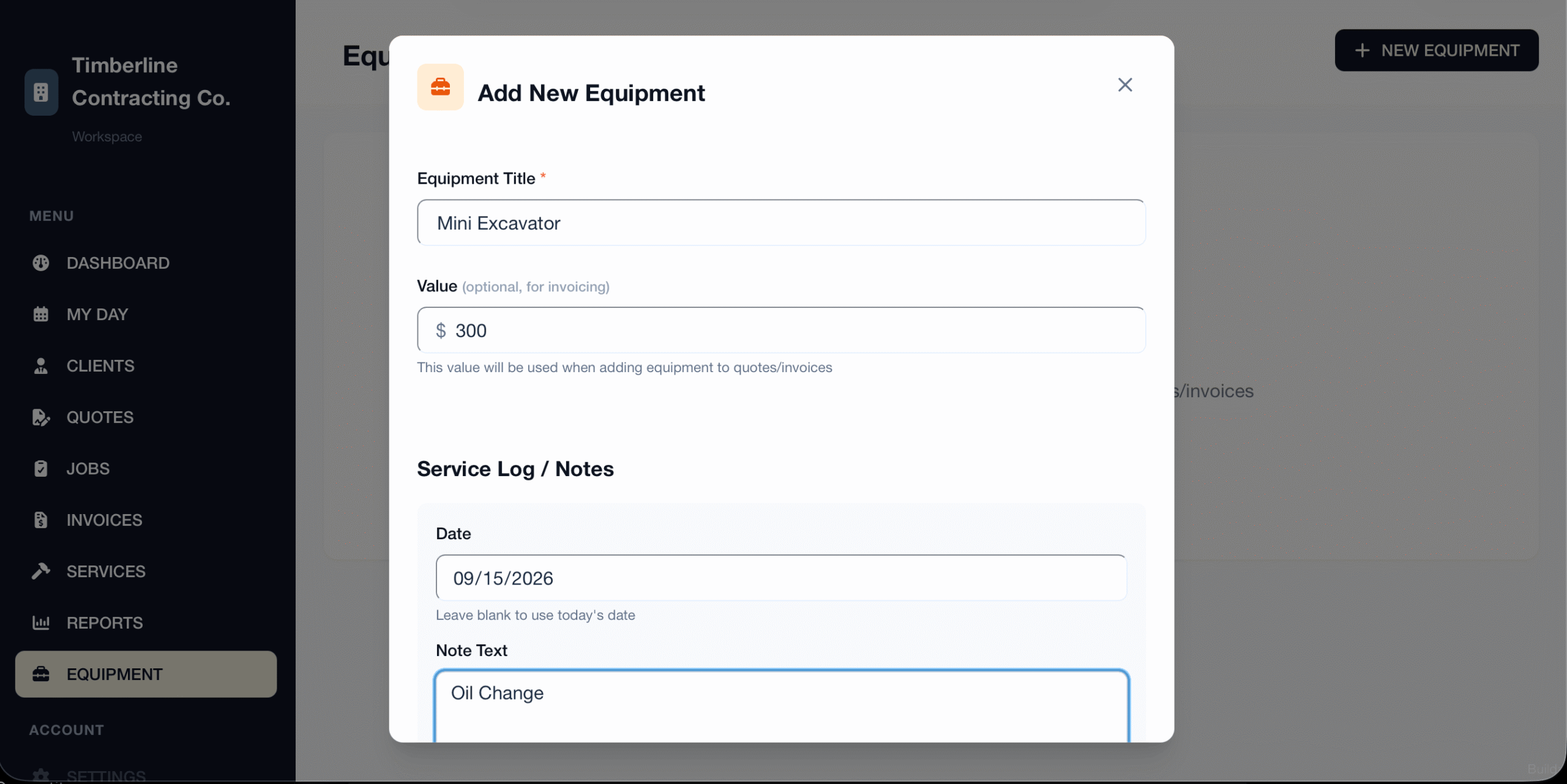
3 - Fill Out Details
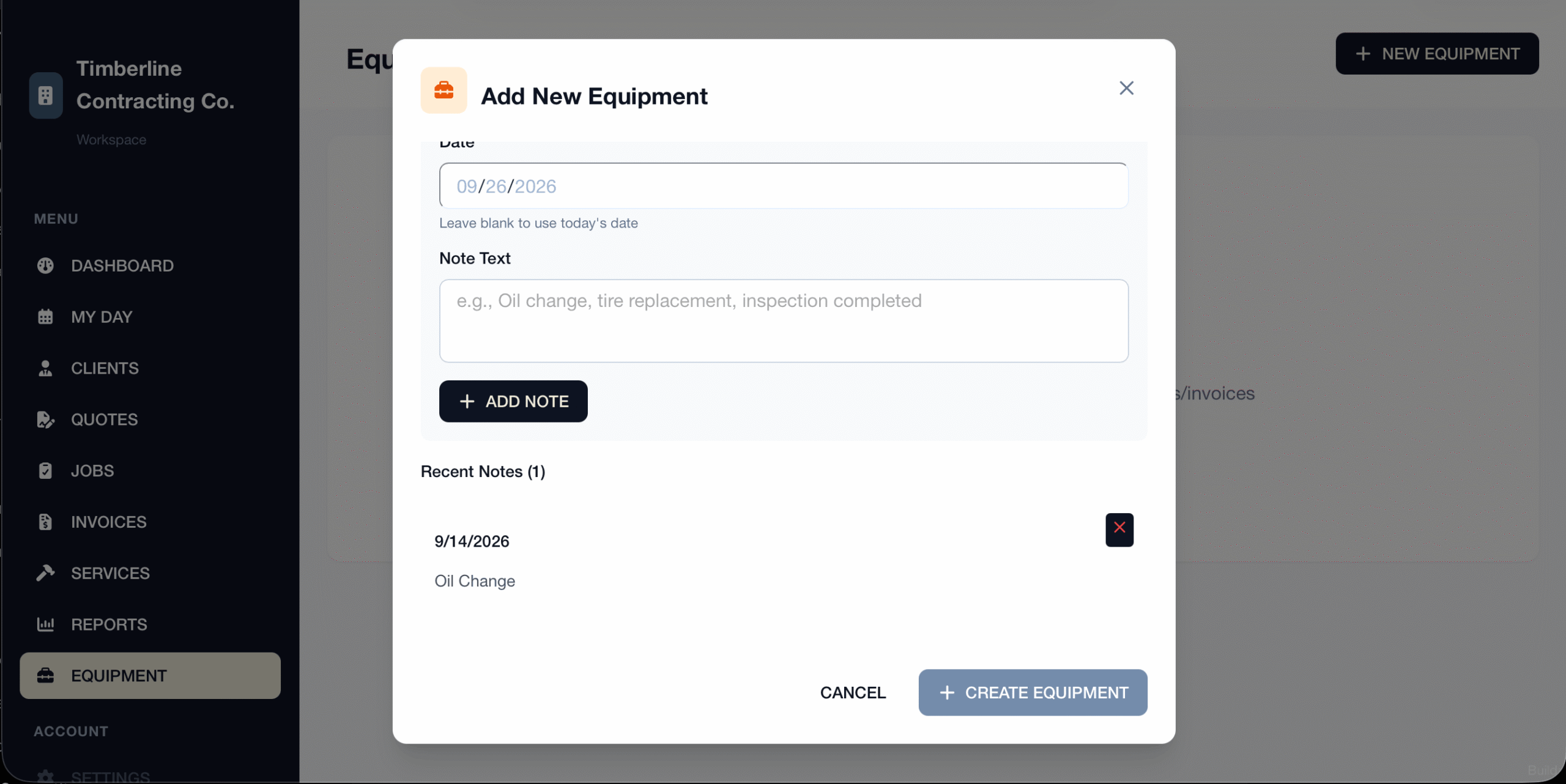
Fill out your details… name of the machine, and how much you would like to charge. An optional thing you can do now is to add any notes such as equipment logs.
4 - Add Notes
Save your notes by clicking add notes if you added notes.
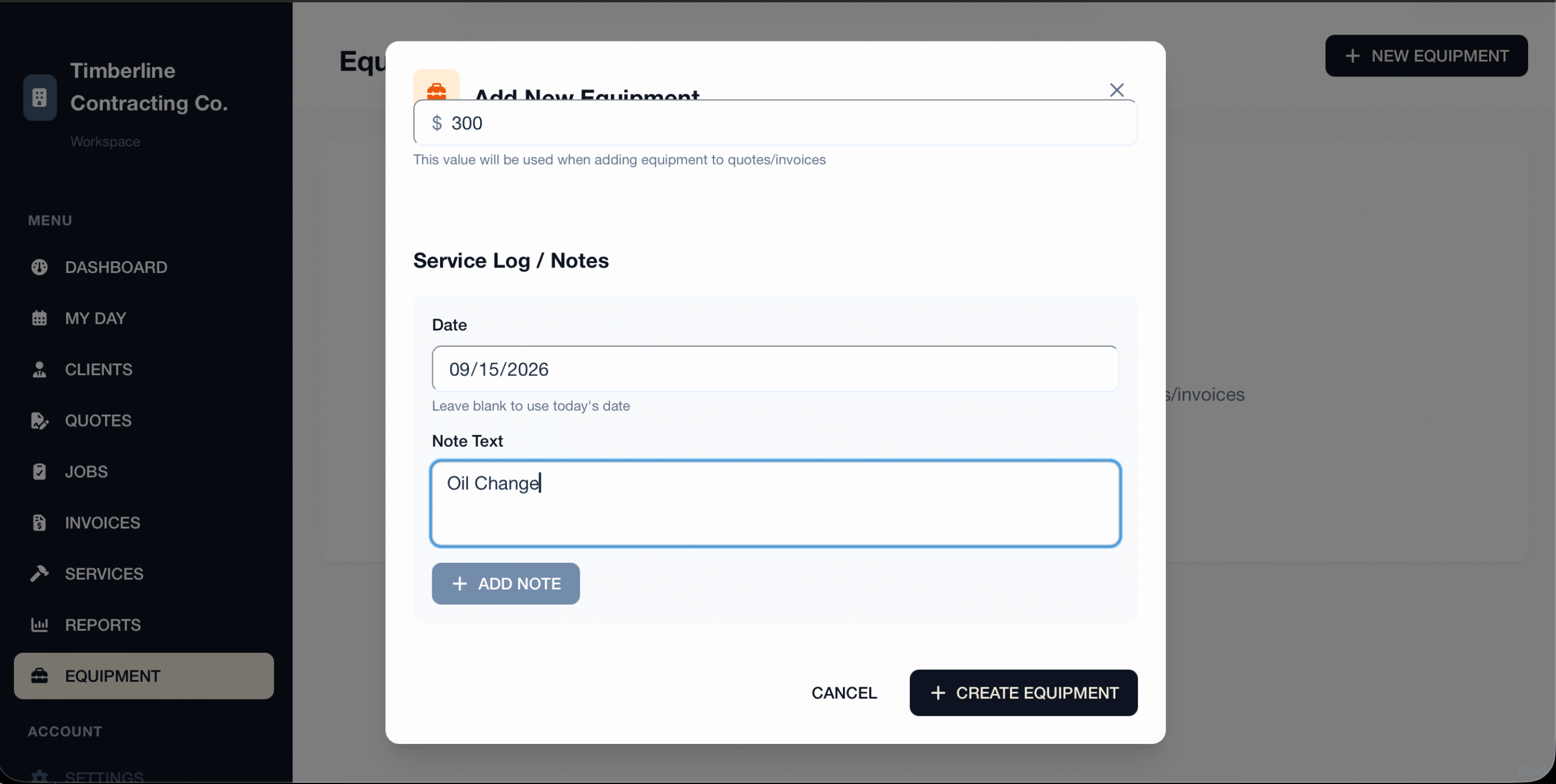
5 - Add Equipment
Click on create equipment to save it and to start using it.
6 - That's It!
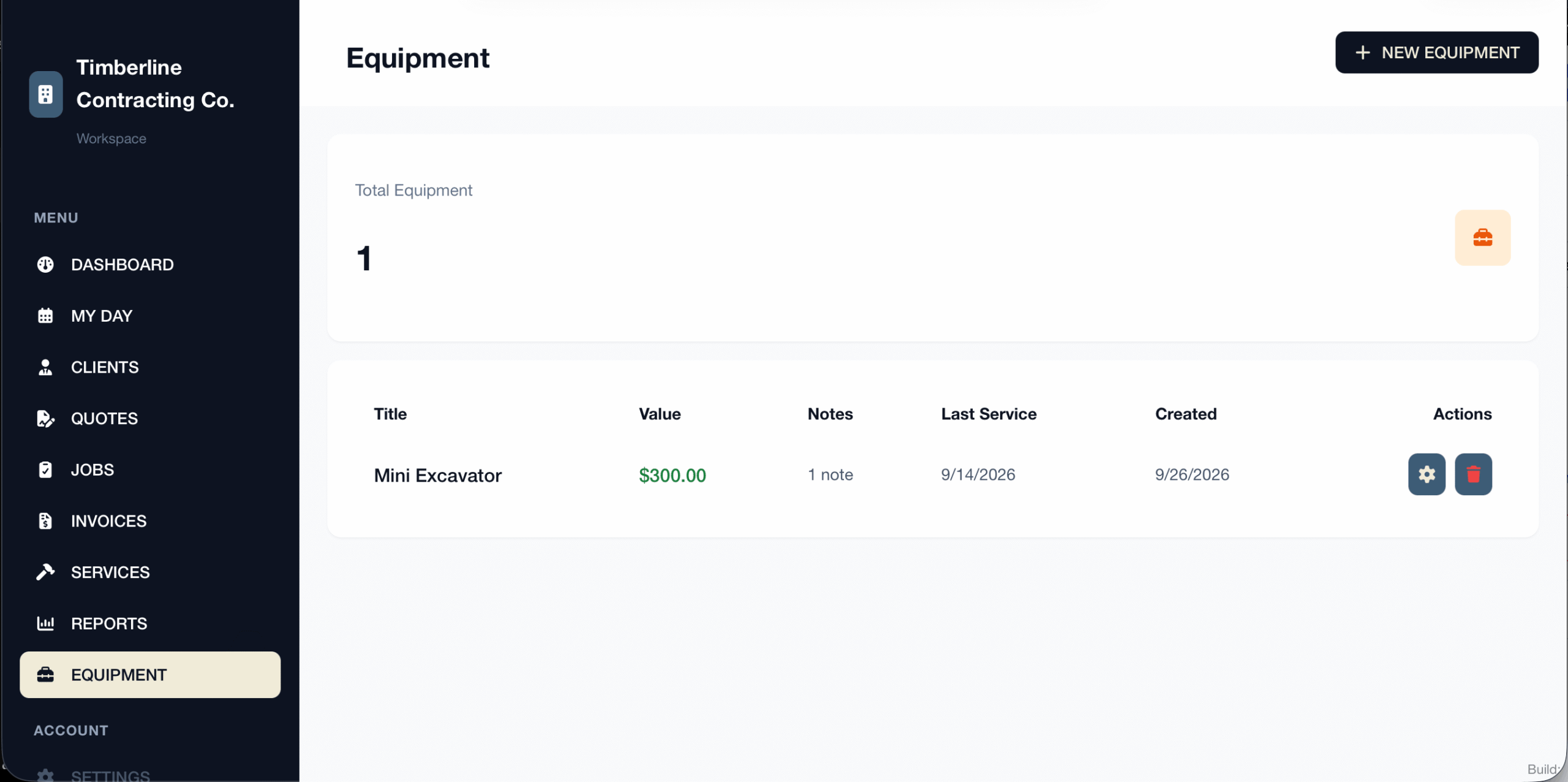
You have added an equipment item successfully!