
Estimated Time 2-5 min
Create a Service
Save frequently used work and pricing so you can build quotes faster.
Needed Items Service title and price
Optional Items Description and client restriction
If you perform the same type of work regularly, save it as a service in WorkProject HQ. You can then add the service to future quotes without reentering its description and price.
1 - Open Services
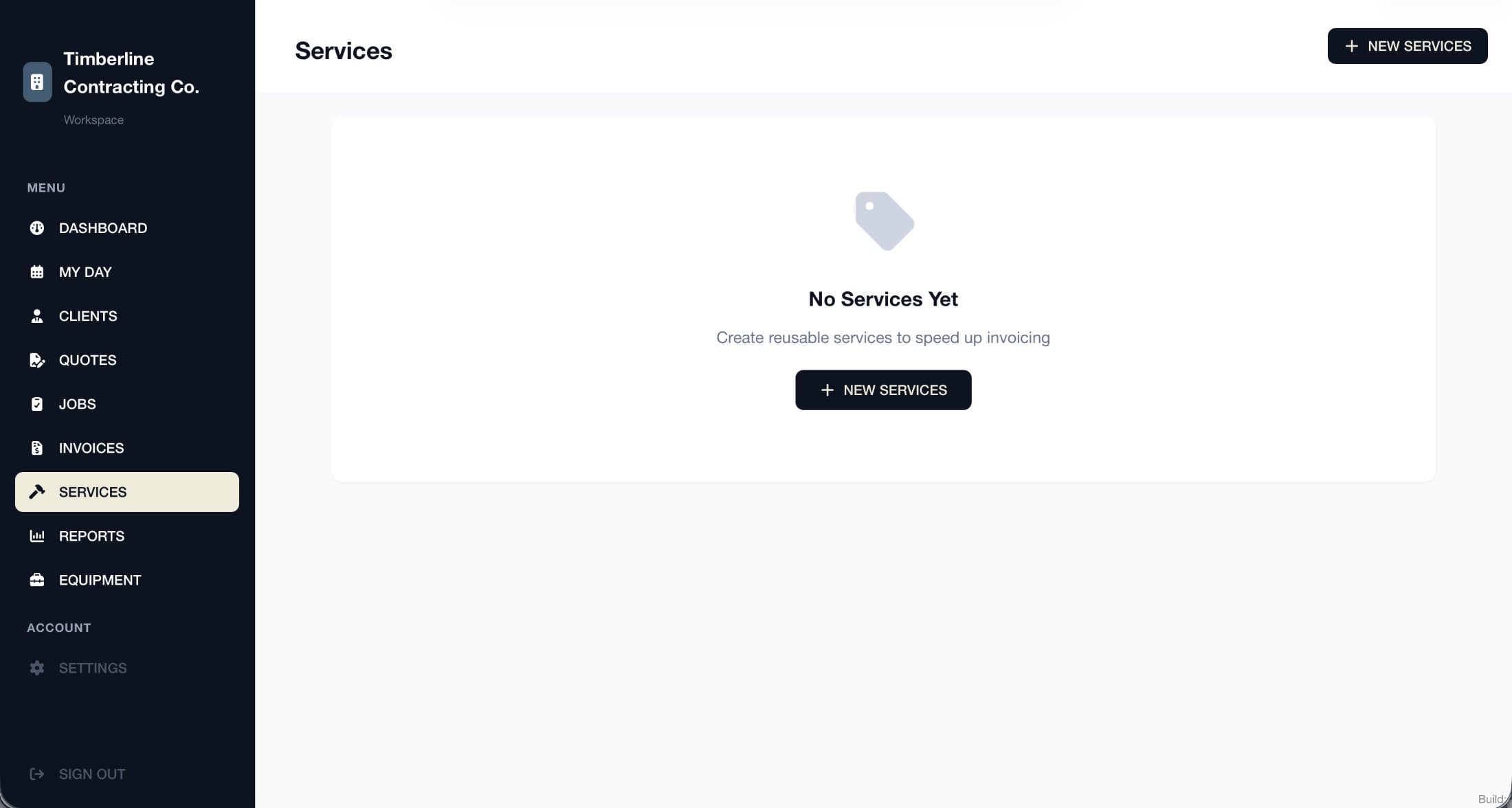
Select Services from the left navigation menu.
If Services does not appear in your navigation, enable the feature from Settings before continuing.
2 - Select A New Service
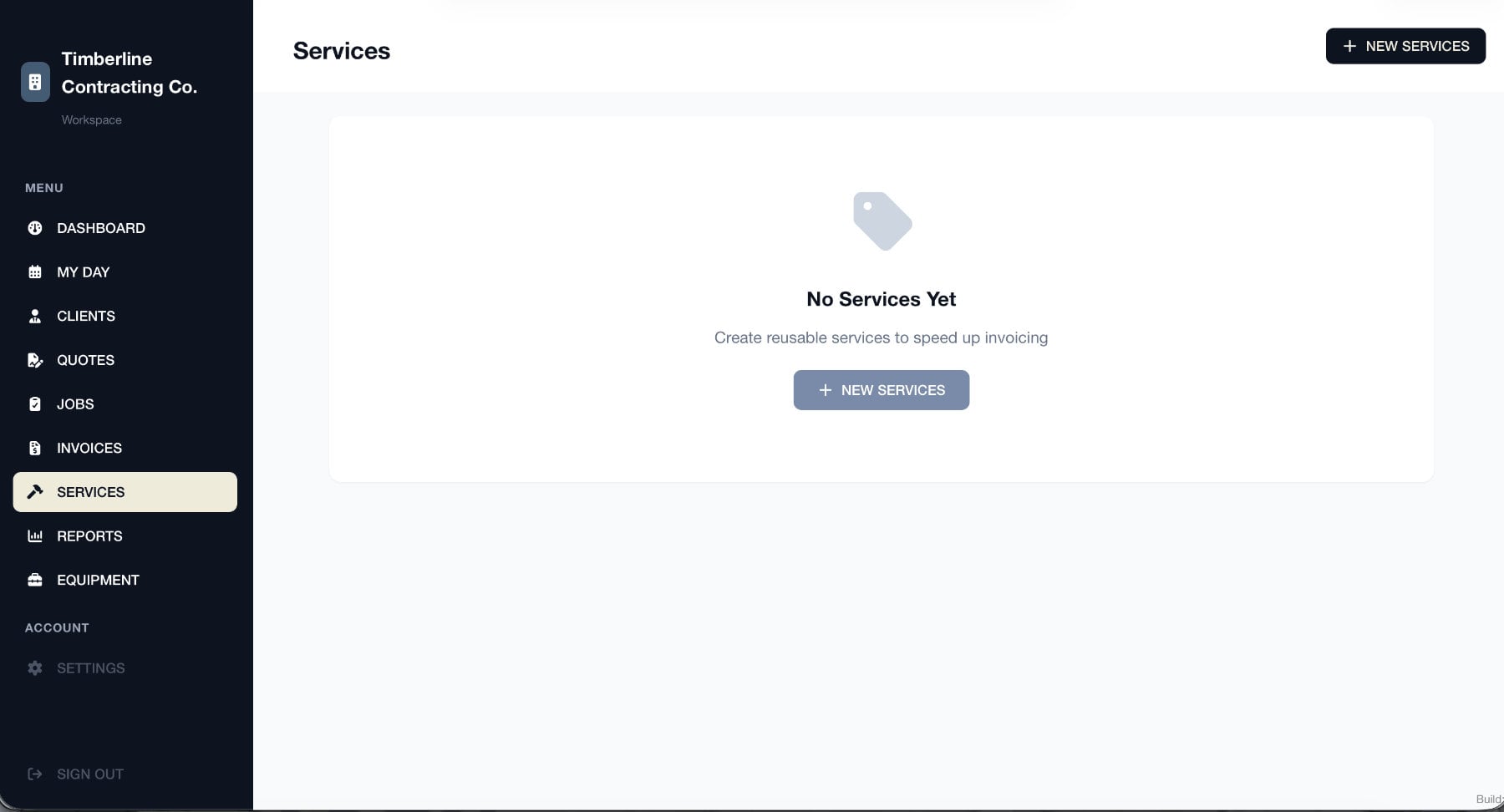
Select New Services in the upper-right corner. If you have not created any services yet, you can also use the button in the center of the page.
3 - Enter the Service Details
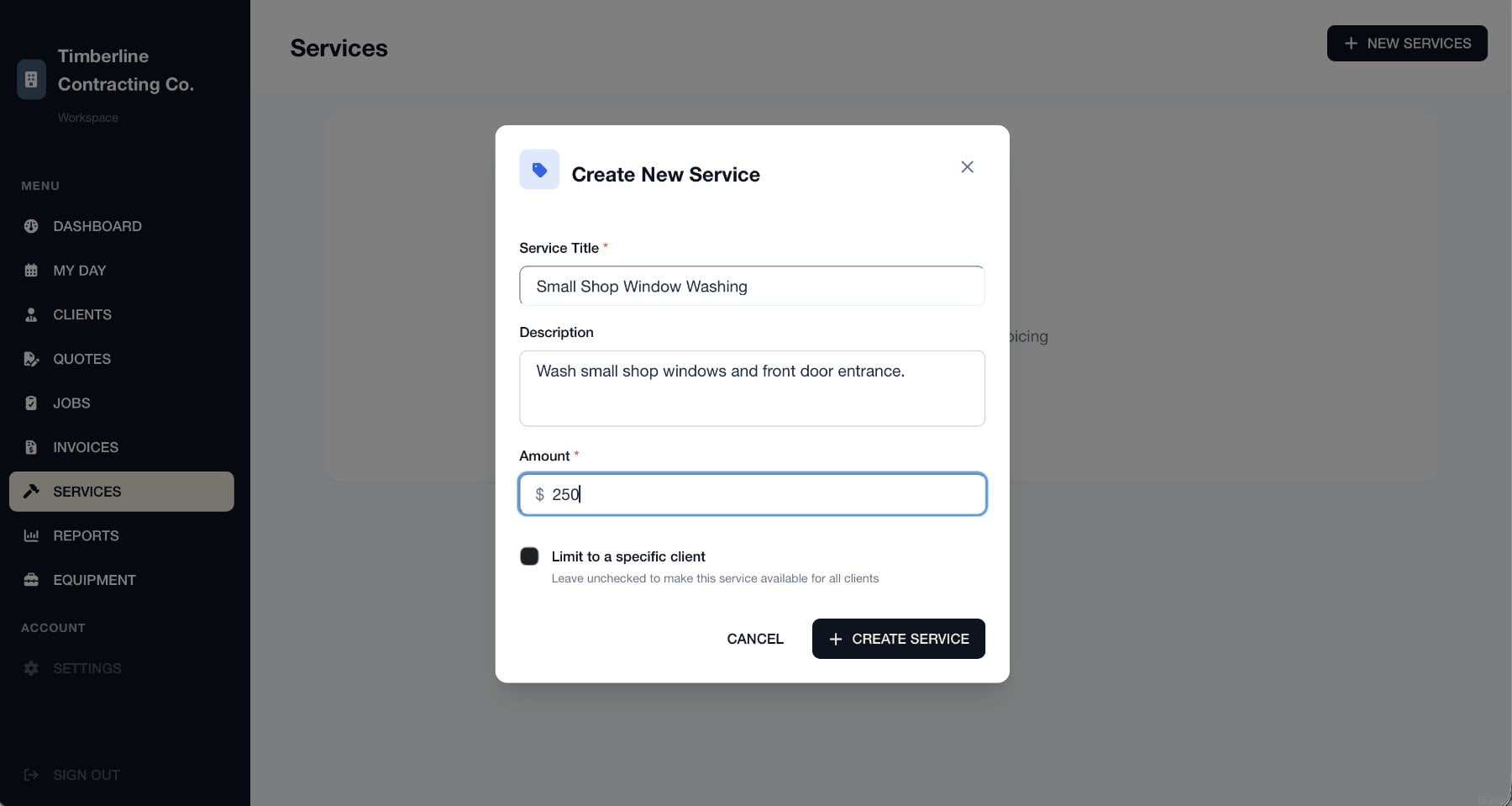
Enter a Service Title and the amount you normally charge. You can also add a description explaining what the service includes.
By default, the service will be available for every client. To make it available only for one customer, select Limit to a specific client and choose that client.
When you are finished, select Create Service.
4 - Service Is Created
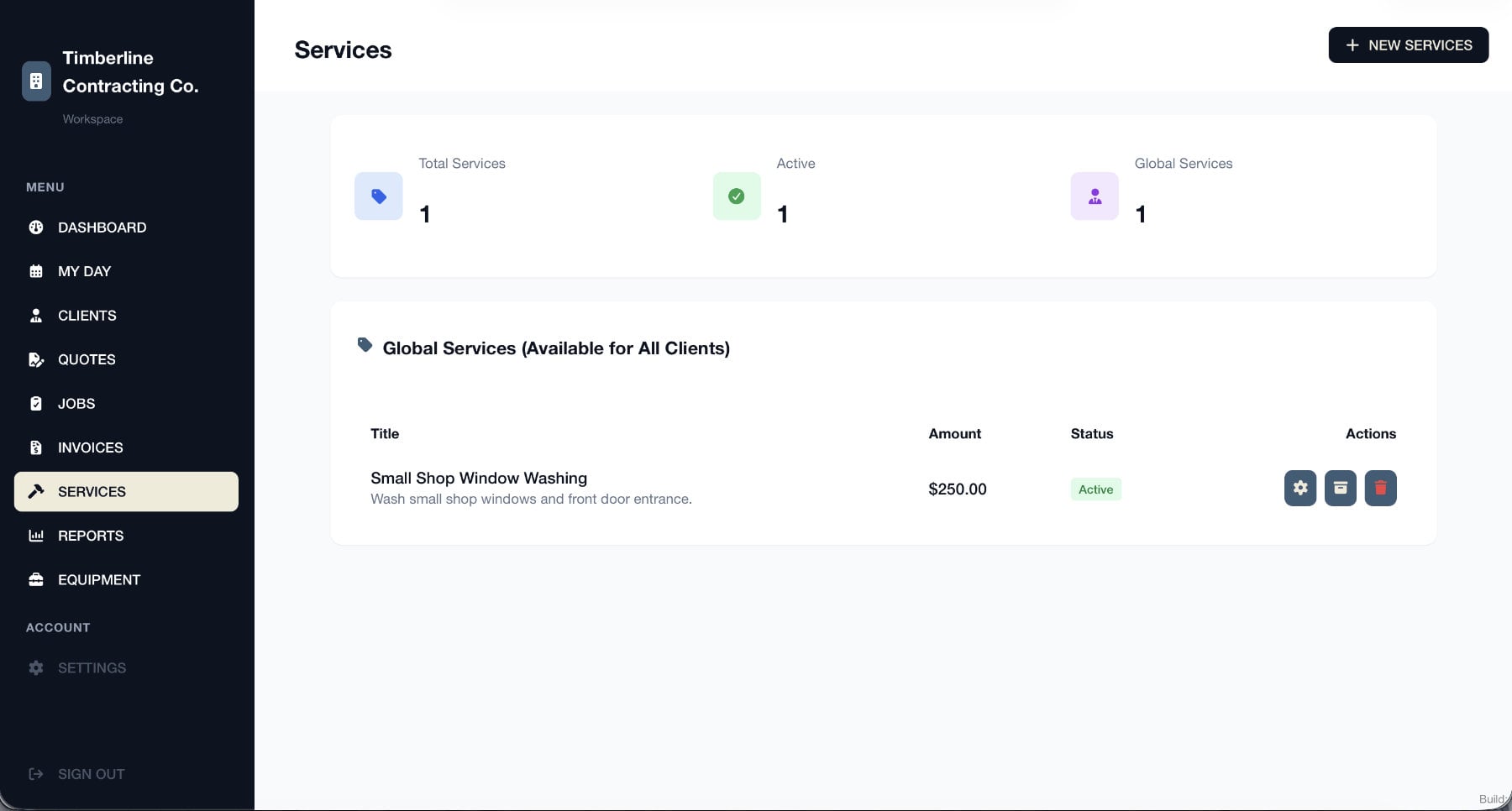
Your service is now ready to use when creating quotes.
To change the service later, select the gear icon beside it. You can also archive or delete a service using the other options under Actions.